
Can an Unlisted YouTube Video Show Up in a Public Playlist?
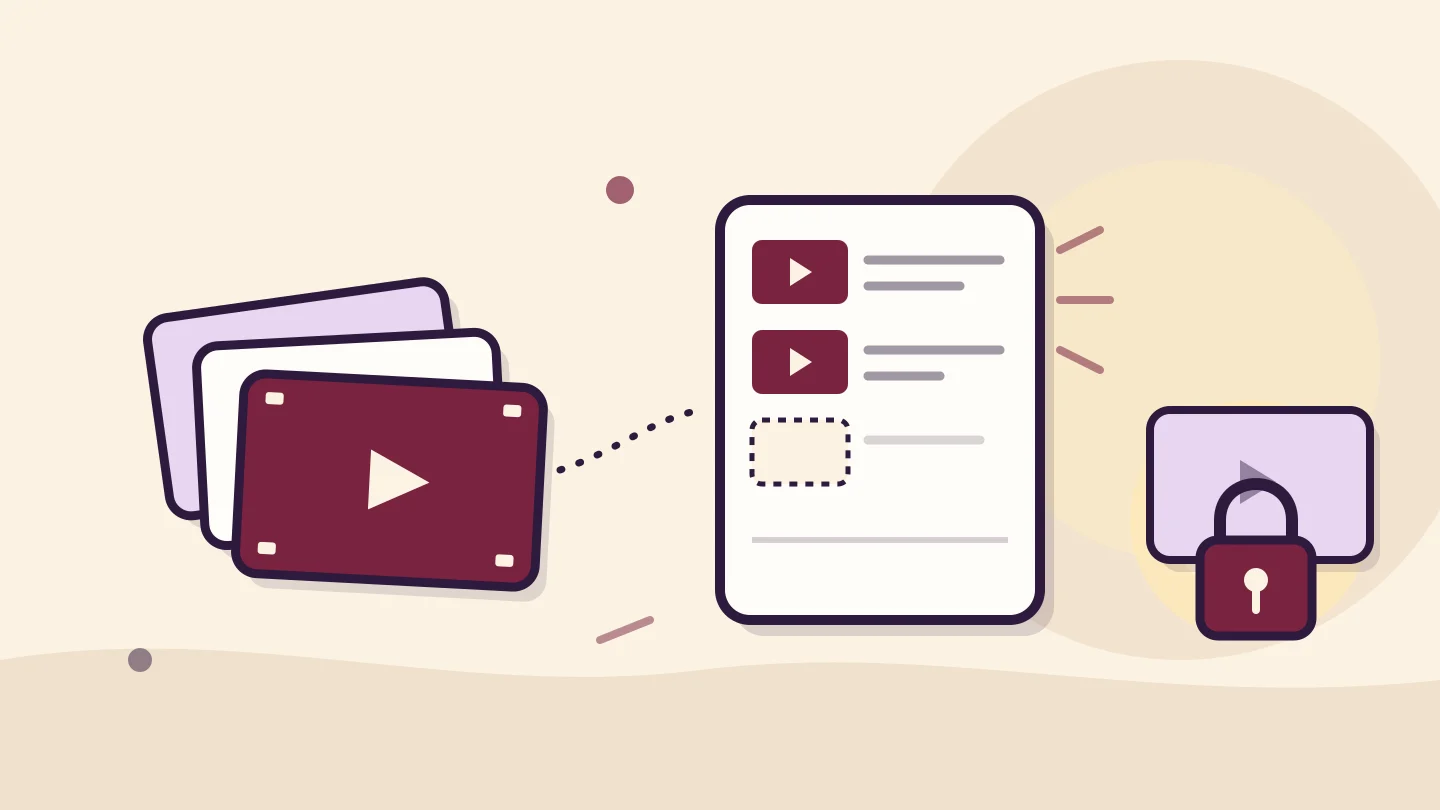
You upload a client review cut as Unlisted, then drop it into the same public playlist as two finished tutorials. The review cut still says Unlisted. Can someone outside the client team find it? Yes. An unlisted video can be watched and shared by anyone with its link. YouTube’s video privacy guide also says an unlisted video can show up in YouTube Search if someone adds it to a public playlist. It doesn’t need to appear in your channel’s Videos tab for that to happen. If the cut is for named reviewers only, make the video Private and invite them rather than relying on a playlist to hide it.
Check the video first
In YouTube Studio, open Content, find the review cut, and look in its Visibility column. If the clip is suitable for anyone who receives the link, Unlisted can be enough. If only named people should have access, choose Private, use Share privately and add the intended reviewers. YouTube doesn’t offer comments on private videos, so agree where the reviewers should send their notes.[1]
Next, check the playlist. Under Content → Playlists, open the playlist’s details and read its separate visibility setting. Making a playlist private restricts that playlist. It does not switch each video inside it to Private, and an unlisted cut may still be accessible at a link already shared.[2]
Work through a three-video handoff
| Clip | Starting setup | What to change before handing it over |
|---|---|---|
| Product overview | Public video in a public tutorial playlist | Keep it public and leave it in the playlist. |
| Setup walkthrough | Public video in the same playlist | Keep it public and leave it in the playlist. |
| Client review cut | Unlisted video in the same playlist; link previously sent to two reviewers | Remove it from the public playlist. Set the video to Private and share it with the two intended reviewers. |
The final playlist contains two public videos. The review cut is a separate private video for two invited reviewers. Those numbers describe the example’s handoff, not measured audience or exposures. Removing the review cut fixes where your team put it. Restricting the video itself addresses the direct link still sitting in those two inboxes.
Verify the view that matters
Start with the public playlist link and look at it while signed out. The two finished videos should be there; the review cut shouldn’t play for a signed-out visitor using its direct link. Then ask one intended reviewer to try it from the account you invited. If that reviewer can’t open it, check which email you invited and which account they’re using.
Don’t treat absence from the Videos tab, one search or a recent-upload list as evidence nobody can open the clip. The YouTube Channel Checker takes a public channel handle, URL or ID and reports available channel totals and up to three recent uploads. For a visibility handoff, inspect the exact playlist and video links separately. The checker isn’t a playlist or permissions audit.[3]
Sources & further reading
Sources checked 24 Nov 2026. Examples and review checklists are editorial guidance.
- Change video privacy settings YouTube Help · Source checked 24 November 2026
- Change playlist privacy setting YouTube Help · Source checked 24 November 2026
- YouTube Channel Checker BulkFollows Tools · Live page checked 24 November 2026
Another perspective
YouTube Channel Trailer vs Featured Video: What Visitors See
The trailer and featured video have different jobs. Give each viewer the right next step, then check what the Home tab actually shows.
How to Add a Related Video to YouTube Shorts
A Short can show the fix while a longer video explains the setup. Here is how to link the two, choose the right destination and check the result honestly.
Can You Check YouTube Qualified Watch Hours From a Public Channel?
A channel’s public views and Studio watch time can both look impressive without meeting YouTube’s qualified-watch-hours threshold. Here’s which number to check.