
Can You Check YouTube Qualified Watch Hours From a Public Channel?
A YouTube channel shows 78,000 views, and the creator wants to know whether it has enough qualified watch hours for the YouTube Partner Program. You can’t get that answer from the public channel page. A public view is a count, while a watch hour measures time. For YouTube’s monetization threshold, there is another distinction: the time has to qualify under YouTube’s rules. If it’s your channel, look in YouTube Studio under Earn. If it belongs to someone else, leave the number unknown unless they share it.
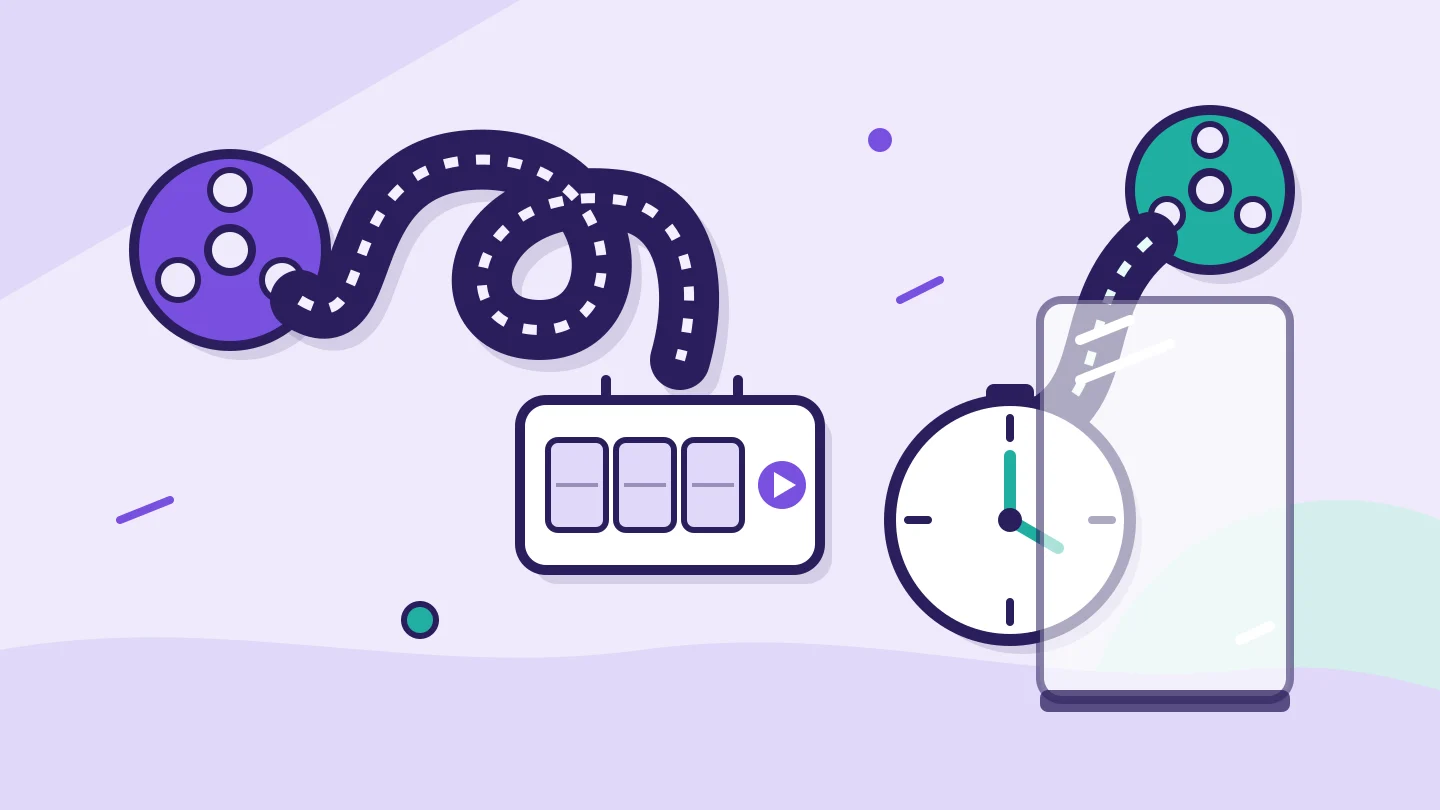
Three numbers, three jobs
| Number | Where to find it | What it can answer |
|---|---|---|
| Public channel views | Public channel or a public snapshot | How many views the channel reports overall. |
| Watch time (hours) | Owner’s Studio reporting | How much time audiences spent watching in the selected report and date range. |
| Qualified public watch hours | Owner’s Earn section | How far the channel is toward the watch-hours threshold under YouTube’s rules. |
As of November 2026, YouTube’s Partner Program overview lists 1,000 subscribers plus either 4,000 qualified public watch hours in the last 12 months or 10 million qualified public Shorts views in the last 90 days for ads and Premium entry. Hours from Shorts viewed in the Shorts Feed do not count toward the watch-hours threshold, and the help page also excludes private, unlisted or deleted videos, views from ad campaigns, and live streams that are unlisted, deleted or not converted to on-demand video. Do not try to reconstruct Earn by adding together visible views or guessing average duration.[1][2]
YouTube has also announced a change that is not yet in force. From 1 February 2027, its stated ads and Premium entry threshold for new applicants is 1,000 subscribers plus either 8,000 qualified watch hours in the last 365 days or 20 million qualified Shorts views in the last 90 days. YouTube says channels already in the program keep their status under this threshold change, but the same update also sets new activity requirements and asks partners to accept updated terms by 31 January 2027. The announcement does not spell out every situation, such as a channel with only earlier fan-funding and Shopping access or an application still under review, so check Earn in YouTube Studio for your channel rather than assuming which rule applies.[2]
The same overview page points creators to the Earn area of YouTube Studio to get notified when they are eligible, to apply and to check the status of a review.[1]
The expanded Partner Program can offer earlier access to some fan-funding and Shopping features in eligible places, with lower thresholds. YouTube says the February 2027 update does not change those fan-funding and Shopping eligibility rules. Check the Earn screen for your channel rather than treating one watch-hours figure as the threshold for every feature.[3][2]
Worked example: why 4,350 watch hours can still be short
Imagine a tutorial channel with 78,000 public channel views. Its owner sets the Studio watch-time report to the last 12 months and sees 4,350 hours. On the same check date in November 2026, Earn shows 3,860 qualified hours.
Under the current 4,000-hour watch-hours route, the remaining gap is 4,000 − 3,860 = 140 qualified hours. The 4,350 figure has already exceeded 4,000, but it answers a different question. The two reported figures differ by 490 hours; the difference alone cannot tell you which videos or viewing sources account for it. And the 78,000 public views cannot tell you the answer at all. Even if Earn shows enough hours, subscriber and other requirements still apply, and YouTube reviews the channel.[1]
As an illustration only, the same 3,860 eligible hours measured against the announced 8,000-hour threshold would leave 8,000 − 3,860 = 4,140 hours short. That is arithmetic, not a prediction: the announced rule counts the last 365 days, and the channel’s qualified total may be different by the time it applies.[2]
How to write the result in a report
If you own the channel, sign in to YouTube Studio and go to Earn. Note the check date, the label shown and the relevant time window. Use Studio reporting for questions about watch time and average view duration, rather than substituting those numbers for Earn.[4]
For a partner’s channel, say “Qualified watch hours not shared,” not “zero” or “not monetized.” If the distinction matters for a joint campaign, ask the owner for a dated excerpt showing the measure you need. Never ask for their login. Seeing ads on the channel is not proof that the creator shares in their revenue; YouTube can run ads on content even when the creator does not receive a share.[1]
For a public starting point, the BulkFollows YouTube Channel Checker shows subscribers, reported channel views and up to three recent uploads where available. It does not show watch time, Earn progress or revenue. If the real decision is whether the channel fits a collaboration, use the public channel analysis guide to review current content rather than guessing at its monetization status.[5]
Sources & further reading
Sources checked 24 Nov 2026. Examples and review checklists are editorial guidance.
- YouTube Partner Program overview & eligibility YouTube Help · Source checked 24 November 2026
- Changes to the YouTube Partner Program YouTube Help · Source checked 24 November 2026
- Overview of the expanded YouTube Partner Program YouTube Help · Source checked 24 November 2026
- Get started with YouTube Insights YouTube Help · Source checked 24 November 2026
- YouTube Channel Checker BulkFollows Tools · Live page checked 24 November 2026
Another perspective
How to Analyze a YouTube Channel Beyond Subscriber Count
Learn how to analyze a YouTube channel using subscribers, recent videos and typical views, with a saved MrBeast example, charts and a practical checklist.
YouTube Channel Views vs Recent Video Views: Compare the Right Numbers
A big channel total and a small recent upload sample tell different stories. Learn which number fits your decision, with a worked comparison and a missing-data example.
YouTube Shorts views vs engaged views: what to compare
A replay, a continued view and a unique viewer answer different questions. Keep the definitions beside the numbers.