
Subscribers are rounded publicly
YouTube shows large subscriber counts in rounded form, so the report labels them as rounded. Small day-to-day changes may not appear.
See subscribers, total channel views and recent uploads from a public YouTube channel. Free, with no sign-in.
Enter a channel @handle, channel link or channel ID.
Free to use · No sign-in · 3 reports a day across all tools ·
The public subscriber count. YouTube rounds large counts, so the report labels them.
Total channel views and the number of uploaded videos.
Up to three recent videos with views, likes and comments where available.




Type an @handle, paste a channel link or a channel ID.
Choose Check channel and wait a few seconds.
Review subscribers, totals and recent uploads.
YouTube shows large subscriber counts in rounded form, so the report labels them as rounded. Small day-to-day changes may not appear.
Channel views add up the whole archive, while average views use only the recent uploads shown. A big back catalogue can make a channel look busier than its latest uploads.
A video posted yesterday has had less time to collect views than one from last month. Read each upload’s date beside its views before comparing them.
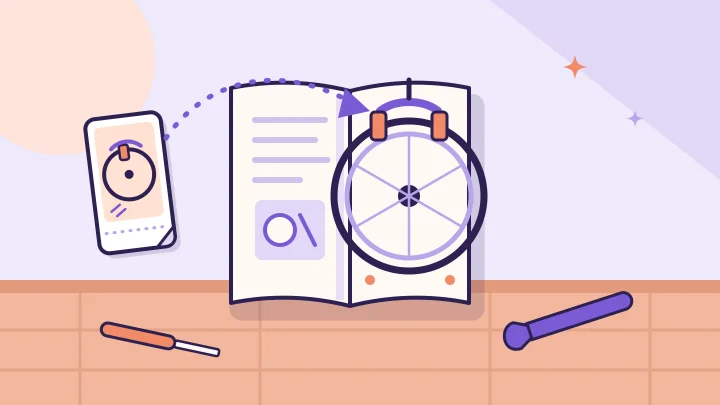
A Short can show the fix while a longer video explains the setup. Here is how to link the two, choose the right destination and check the result honestly.

Two videos can end the week on the same public view count and still have very different thumbnail results. Here is what impressions CTR measures, and what it needs.
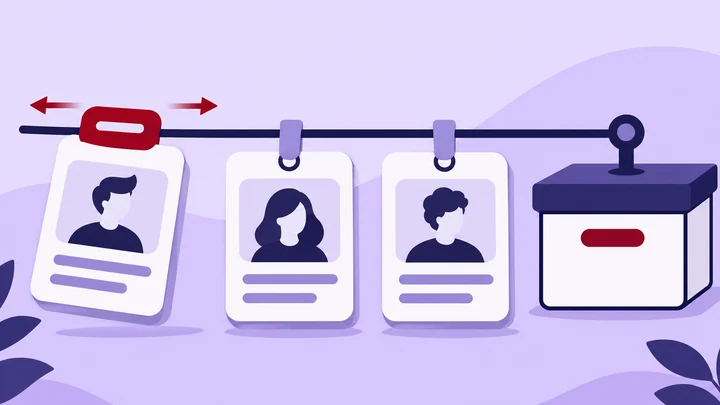
A renamed channel is not automatically a new channel. Keep the ID, current handle and dated observations together before combining reports.
YouTube shows rounded subscriber counts publicly, so the report marks them as rounded.
An @handle, a youtube.com/@handle link, or a channel link or ID starting with UC. Video links are not accepted.
Recent uploads are taken from the channel’s public uploads; the report shows what is available.
Some channels hide counts, such as likes. Unavailable never means zero.
Three different profiles or channels a day, shared across all four tools.
Public profiles and channels only. BulkFollows Tools is independent and is not affiliated with Instagram, Meta, TikTok or YouTube. Featured profiles do not imply endorsement.