
How to Add a Related Video to YouTube Shorts
If your Short shows the fix but not the full setup, link directly to the video that fills the gap. YouTube puts the related-video link below the channel handle in the Shorts player. A URL pasted into a Short’s description or comments won’t act as the same clickable route.
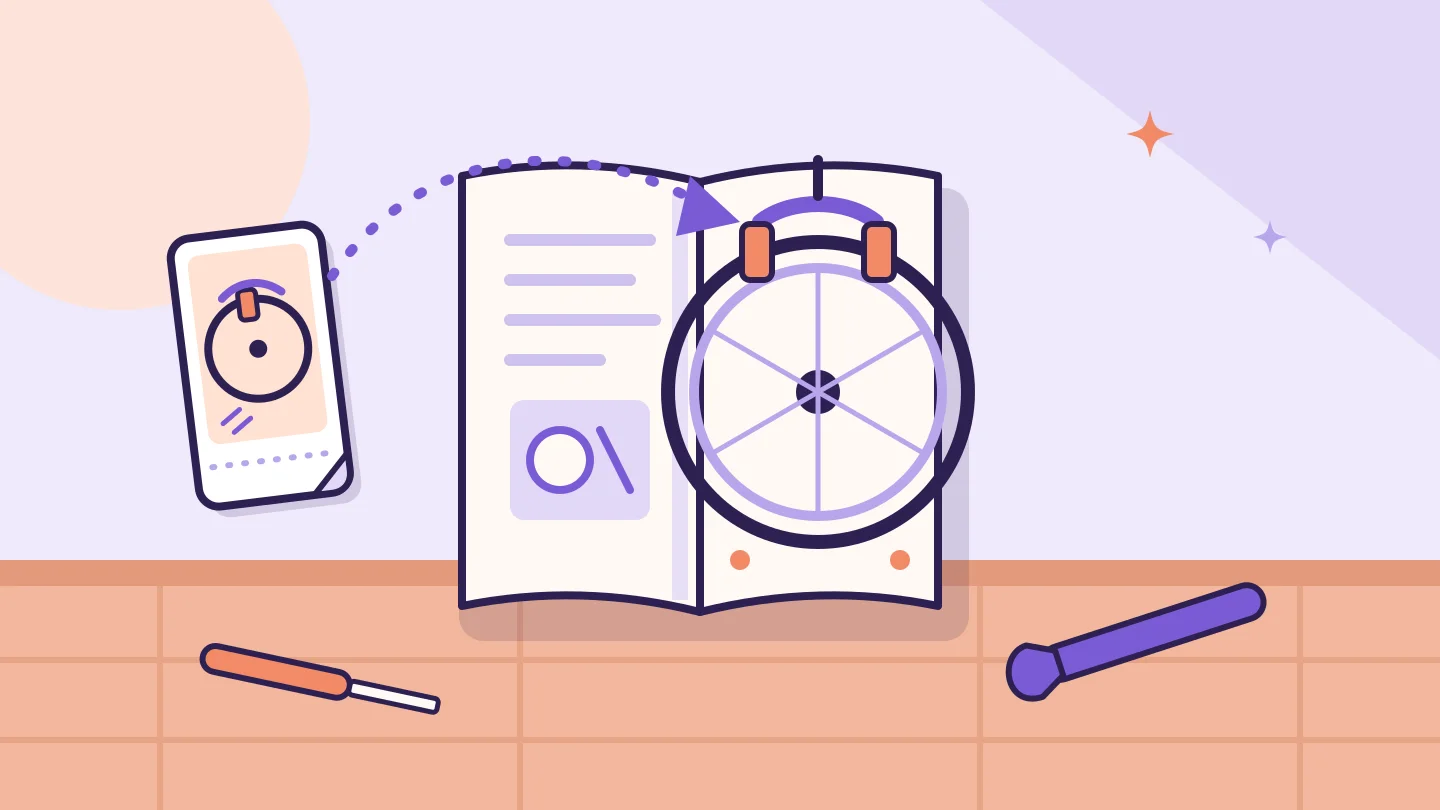
How to add the related video
- Sign in to YouTube Studio and open Content from the left menu.
- Select the Short you have already uploaded and want to edit.
- Choose a related video from your own channel.
- Save the change, and note the date and time you saved it.
Choosing the right destination
The best destination answers the question the Short leaves open. Think about what a viewer would want to know after the last frame, then link the video that answers it.
| What the Short shows | Viewer’s next question | Related video to link |
|---|---|---|
| A bike clip showing noisy brakes | Why are mine noisy, and how do I find the cause? | Your full brake diagnosis tutorial |
| A coffee Short comparing grind textures | How do I set my own grinder? | Your matching full dial-in lesson |
| A teaser for an event | Where can I watch the whole thing? | Your own relevant live stream or replay, where it is eligible |
Avoid linking your most-viewed upload just because it is popular. If it does not continue the Short, viewers who tap it get something they did not ask for.
Worked example: a gain is not a click rate
| Measure | Value | What it is |
|---|---|---|
| Short views in the window after the link was added | 4,000 | Views of the Short |
| Change in tutorial views vs the previous equal-length window | +140 | All additional tutorial views, from any source |
| 140 ÷ 4,000 | 3.5% | Not a Short click rate: the 140 is not a count of verified link clicks |
The +140 is an observation worth recording. It is not a 3.5% click rate from the Short, because the numerator includes every extra view of the tutorial: people who found it through search, suggestions, a playlist or a link elsewhere count too.
Keep the timestamps of every change, such as when you added, swapped or removed the related video, so any later comparison uses windows that line up with them. Our guide to Shorts views and engaged views explains why the view count itself needs care.
Test the link, then record the public picture
- Open the Short the way a viewer would, in the YouTube app or on the web, rather than only in Studio.
- Check that the link appears below the channel handle and opens the video you chose.
- Repeat the check after you change the destination.
The YouTube Channel Checker shows a channel’s public identity, subscriber and total view counts, and up to three recent uploads with views, likes and comments where available. Missing counts are shown as unavailable, not zero. It cannot see related-video links, traffic sources or clicks, so it cannot verify click attribution.[3]
Sources & further reading
Sources checked 21 Nov 2026. Examples and review checklists are editorial guidance.
- Sharing links with your audiences YouTube Help · Source checked 21 November 2026
- YouTube Channel Checker BulkFollows Tools · Live page checked 21 November 2026
Another perspective
YouTube Shorts views vs engaged views: what to compare
A replay, a continued view and a unique viewer answer different questions. Keep the definitions beside the numbers.

YouTube Views vs Impressions CTR: What Public Counts Can’t Tell You
Two videos can end the week on the same public view count and still have very different thumbnail results. Here is what impressions CTR measures, and what it needs.
YouTube Channel Views vs Recent Video Views: Compare the Right Numbers
A big channel total and a small recent upload sample tell different stories. Learn which number fits your decision, with a worked comparison and a missing-data example.