
YouTube Channel ID vs Handle: Avoid Duplicate Reports After a Rename
A creator changes their channel name, and suddenly your shortlist has two entries for the same person. Last month's report uses the old handle; this month's uses the new one. Before you add their subscriber counts or call one entry a new discovery, check the channel ID.
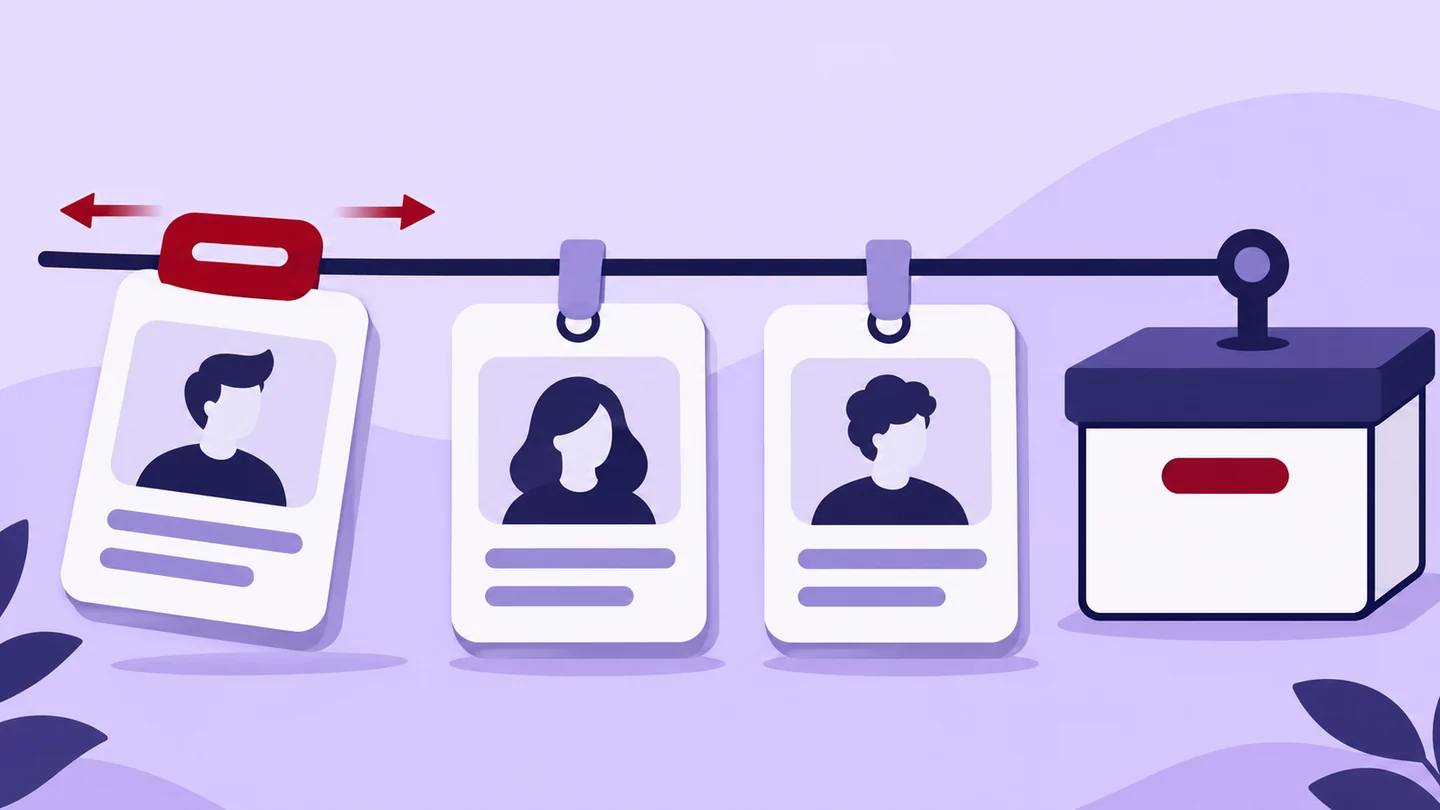
Three identifiers, three jobs
| Detail | What it tells you | How to use it in a report |
|---|---|---|
| Channel name | The readable identity displayed to viewers | Show it as the current label, keeping previous labels when useful |
| Handle | A unique @ identifier and public channel address | Save the current handle and when you checked it |
| Channel ID | YouTube's unique identifier for the channel | Use it to reconcile records that have different names or links |
YouTube distinguishes handles from channel names. Its standard ID-based address has the form youtube.com/channel/ followed by the channel ID. A channel can also have a handle URL and older personalized URLs pointing to it. Different-looking links therefore do not necessarily mean different channels.[1][2]
For reporting, the useful question is not “Do these labels look alike?” It is “Do these records identify the same channel?” Treat matching names, logos and topics as clues, not your final answer.
Why yesterday's handle needs a date
YouTube currently lets creators change a handle twice within 14 days. After a change, the previous handle is held for 14 days, during which both the old and new handle URLs work. Afterward, the old handle becomes available for someone else to select.[3]
That creates two reporting traps. During the overlap, two working URLs may lead to one channel. Later, an old handle may no longer identify the channel you originally reviewed. Save the date and channel ID beside the link rather than treating the handle as a permanent record key.
What you can enter in the BulkFollows checker
The YouTube Channel Checker accepts an @handle, a youtube.com/@handle URL, an ID-based channel URL, or a correctly formed raw channel ID beginning with UC.[4]
Use a channel address, not a video, Shorts or playlist link. Plain text is treated as a handle, not as a general search for channel names. A display name copied from a banner may therefore be the wrong input even when it clearly describes the creator.
If you have an old /c/ or /user/ address, open it on YouTube and copy the current channel address. Those older addresses may work on YouTube without being supported as direct checker inputs.
The checker supplies a public snapshot, including channel totals and up to three recent uploads where available. It does not automatically establish a rename history or prove that two separate reports have already been deduplicated.
Work through a duplicate before adding totals
Here is an invented reporting example, not a real creator or benchmark. “Channel A” and “Channel B” below stand for two different verified channel IDs.
| Saved observation | Display name | Verified identity | Illustrative public subscribers |
|---|---|---|---|
| 2 November | Cedar Camera Notes | Channel A | 52,000 |
| 19 November | Cedar Field Notes | Channel A | 53,000 |
| 19 November | Cedar Field Notes | Channel B | 8,000 |
There are three observations but only two distinct channel IDs. The first two rows belong together in Channel A's history. The third must stay separate even though its display name matches the second.
For a latest-snapshot shortlist, use Channel A's 19 November observation and Channel B's 19 November observation. The total of their displayed subscriber figures is 53,000 + 8,000 = 61,000. Adding all three rows would produce 113,000, incorrectly including Channel A's earlier snapshot as another current audience.
Even the corrected 61,000 is only a sum of displayed subscriptions. It is not a count of unique people across both channels. Keep any rounded-count labels, and do not turn the difference between two public displays into an exact measurement of growth. Our subscriber-count guide explains that separate issue.[5]
How to confirm the identity
For a channel you own, YouTube shows the user ID and channel ID in Settings → Advanced settings. You must be signed in as the channel's primary owner. Copy the channel ID, not the separate user ID.[6]
For another creator, retain the ID-based channel URL when available, or ask for that public URL if the records remain ambiguous. Developers using the official YouTube Data API can resolve a handle with channels.list and its forHandle filter, then retain the returned channel ID. The API also supports retrieving channels by ID. That is an API capability, not a claim that the public checker exposes every returned field.[7]
If the ID cannot be established, mark the match as unconfirmed. Do not merge on a similar name alone.
Keep one channel record, not one observation
A useful final note might read: “Same channel ID, new display name and handle checked on 19 November; earlier snapshot retained.” That explains the change without suggesting a new creator appeared or an old audience disappeared.
Keep each observation's date, source and available counts. Update the channel's current label separately. If a lookup fails, preserve the earlier result as historical and leave today's figures unavailable. Once the identity is clear, use the YouTube Channel Checker to review the current public snapshot alongside the uploads behind it.
Sources & further reading
Sources checked 19 Nov 2026. Examples and review checklists are editorial guidance.
- Understand your YouTube channel's URLs YouTube Help · Source checked 19 November 2026
- Learn about YouTube handles YouTube Help · Source checked 19 November 2026
- Change, view, or hide your handle YouTube Help · Source checked 19 November 2026
- YouTube Channel Checker BulkFollows Tools · Live page checked 19 November 2026
- YouTube Subscriber Counts: Rounding and Differences BulkFollows Tools · Source checked 19 November 2026
- Find your YouTube user & channel IDs YouTube Help · Source checked 19 November 2026
- Channels: list YouTube Data API documentation · Source checked 19 November 2026
Another perspective
Why YouTube subscriber counts look different across reports
Learn how rounded public subscriber counts differ from exact owner data, and why a small change can disappear inside an unchanged display.
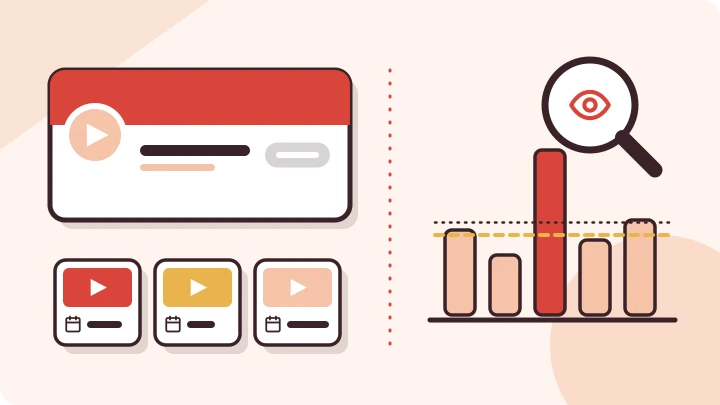
How to Analyze a YouTube Channel Beyond Subscriber Count
Learn how to analyze a YouTube channel using subscribers, recent videos and typical views, with a saved MrBeast example, charts and a practical checklist.
YouTube Channel Views vs Recent Video Views: Compare the Right Numbers
A big channel total and a small recent upload sample tell different stories. Learn which number fits your decision, with a worked comparison and a missing-data example.