
Why YouTube subscriber counts look different across reports
Two YouTube subscriber figures can look different without either proving that a channel suddenly gained or lost an audience. Public counts are shortened, and the YouTube Data API also returns a rounded subscriber value. Before comparing a checker, a channel page and an owner’s screenshot, establish whether they refer to the same channel, the same observation time and the same level of precision.
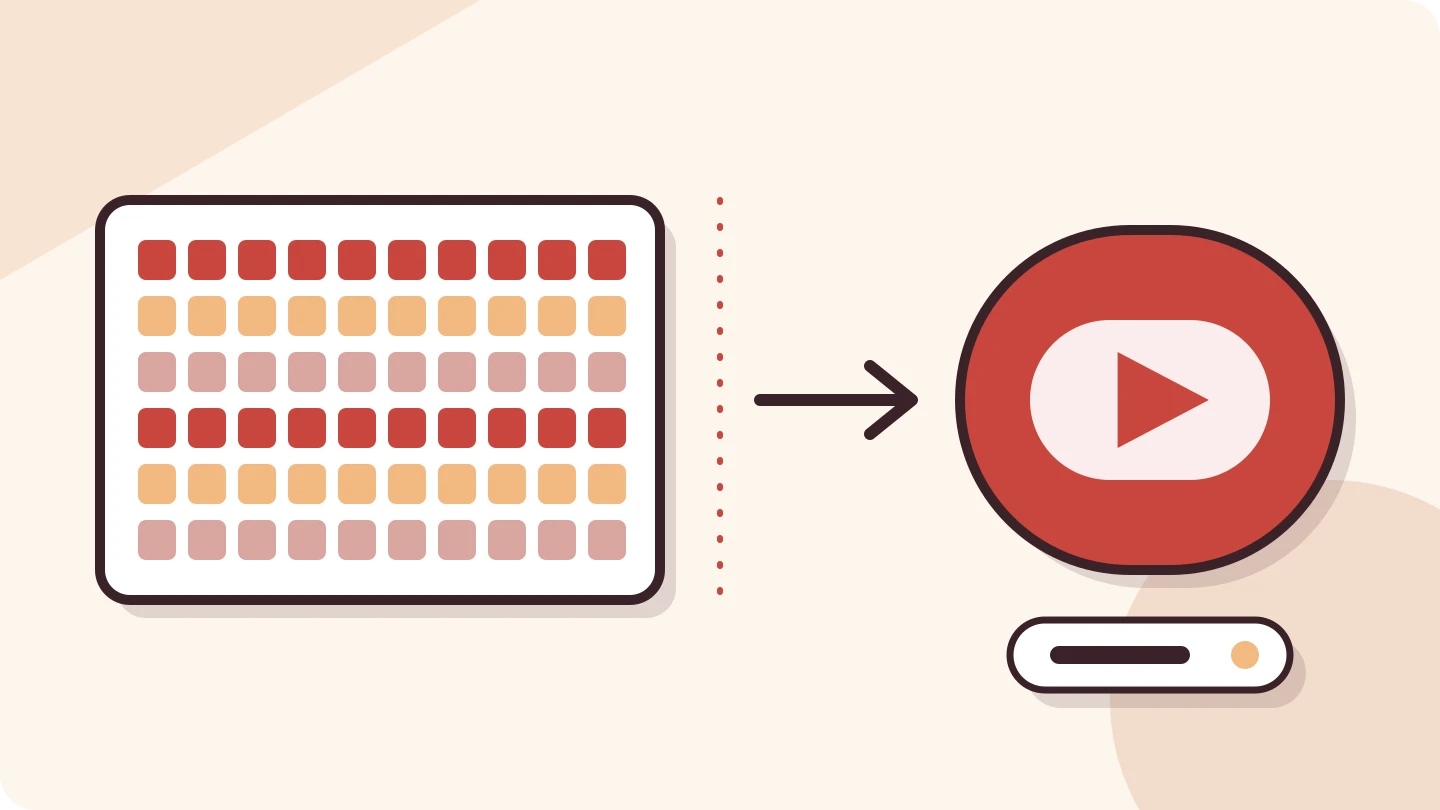
Public counts do not expose every subscriber
YouTube Help describes an audience-facing count that updates in larger steps as the channel grows. Below 1,000 subscribers, each subscriber changes the displayed count. At 1,000–9,999, the step is ten; at 10,000–99,999, it is one hundred; at 100,000–999,999, it is one thousand. These are display rules, not a claim that subscribers arrive in batches.[1]
Think of the number as a scale with wider markings. If the display has not crossed its next mark, small movements remain invisible. That makes the public total suitable for a broad sense of audience size, but a poor instrument for measuring a modest day-to-day change.
Formatting is a separate issue from precision. A service might write a number with a K suffix or expand it into digits. Expanding the notation does not restore information that the source never supplied. Read any rounded-data label before treating the final digits as exact.
What three significant figures mean
Google’s Channels reference specifies that the API subscriber count is rounded down to three significant figures. The worked values below apply that documented rule to invented inputs. They illustrate precision; they are not measurements of real channels or proof of which upstream source any particular checker uses.[2]
| Invented underlying count | Rounded numeric value | Compact way to write that value |
|---|---|---|
| 1,287 | 1,280 | 1.28K |
| 12,876 | 12,800 | 12.8K |
| 128,765 | 128,000 | 128K |
In the middle example, 12,800 is the reported rounded value, not a discovery that the channel has exactly 12,800 subscribers. Under this rule, underlying counts from 12,800 through 12,899 produce the same rounded result. The interval is a mathematical consequence of the rule, not a confidence interval or a prediction.
This is why a spreadsheet can create false precision. If you import 12,800 as an ordinary number and remove the rounded label, a later reader may assume every digit was measured. Keep a short precision note beside the value, even when the calculation software does not require one.
An unchanged display can hide movement
Consider another invented example: a channel moves from 12,841 to 12,889 subscribers. The actual increase in this scenario is 48, yet both values round down to 12,800. Looking only at the two rounded observations would show no change. It would not establish that nobody subscribed or unsubscribed.
The reverse problem occurs at a display boundary. A small underlying movement can trigger a visibly larger step. From 12,899 to 12,900, the true change in the invented inputs is one, while the rounded numeric display moves from 12,800 to 12,900. Do not describe that display difference as exactly one hundred newly acquired subscribers.
Calculating a precise growth percentage from those two rounded values compounds the problem. You can describe the change in the displayed count, but that is a different statement from exact subscriber growth. When a business decision depends on small changes, obtain data with the precision the decision requires.
A short workflow for conflicting totals
- Confirm the channel identity using its handle or channel ID, not just its display name.
- Record where each figure came from and when it was observed.
- Check whether each figure is exact, rounded, saved or otherwise labelled.
- Compare like with like before describing growth or decline.
- If the discrepancy remains material, ask the owner for dated Studio evidence.
Do not assume that opening a report now proves every underlying count was captured now. A page view, a retrieval time and a source observation are different events. When the source’s capture time is unavailable, say that rather than assigning the current minute to the data.
For your own channel, YouTube directs creators to Analytics in Studio and the Realtime card to see their subscriber count. YouTube also explains that it verifies account legitimacy and can correct metrics, excluding closed or spam accounts from subscriber totals. A change alone does not tell an outside observer which process caused it.[1]
Use the total for the question it can answer
A rounded subscriber count can help you describe the broad scale of a channel. It cannot, by itself, establish how many subscribers watched a recent upload, where they live, or whether they will buy a product. Those questions need different evidence. Keep the public total as one observation rather than turning it into an audience guarantee.
The BulkFollows YouTube checker labels rounded public subscriber counts and presents available channel totals with up to three recent uploads. It accepts a channel handle, channel URL or channel ID, rather than a video link. It does not turn public snapshots into an exact private growth history.
For a useful review, record the channel, source, date and precision, then look at the relevant uploads. If a campaign requires exact historical growth, ask the owner for a clearly dated report covering that period. The checker needs no sign-in and shares the allowance of three different profiles or channels per day across the four tools.
Sources & further reading
Sources checked 14 Nov 2026. Examples and review checklists are editorial guidance.
- Check your YouTube subscriber count YouTube Help · No publication date shown; checked 14 November 2026
- Channels: statistics.subscriberCount Google for Developers · Checked 14 November 2026
Another perspective

How to Analyze a YouTube Channel Beyond Subscriber Count
Learn how to analyze a YouTube channel using subscribers, recent videos and typical views, with a saved MrBeast example, charts and a practical checklist.

TikTok Engagement Rate: How to Calculate It Fairly
Compare engagement by views and followers, then see why averaging five video rates can produce a different answer from combining their totals.
Facebook Followers vs Page Likes: What the Numbers Mean
Separate followers, Page likes and post reactions, then learn what a changing total can—and cannot—tell you about a Facebook Page.