
Facebook Followers vs Page Likes: What the Numbers Mean
Facebook followers, Page likes and likes on a post describe different things. Following connects an account to a Page's updates. Page likes are a Page-level measure associated with earlier Page experiences, while a post like is one reaction to a particular piece of content. Before comparing two Pages, check which label you are looking at. The numbers should not be added together as though they represented separate audiences.
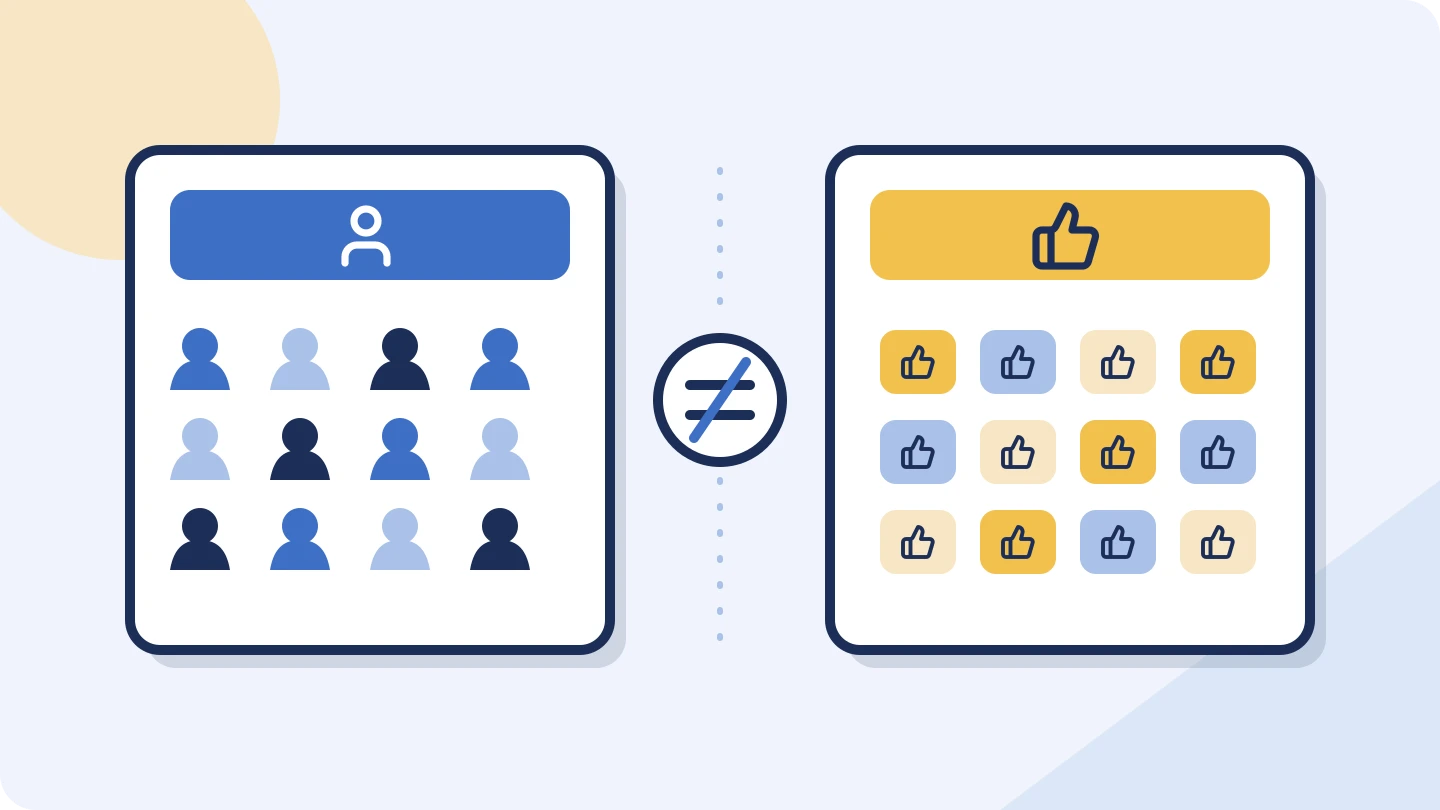
Three numbers that are easy to confuse
Imagine checking a neighborhood bookshop before suggesting a local author event. You might see a follower total, encounter an older report showing Page likes, and open an event post with its own reactions. Each number belongs to a different question. None tells you, on its own, how many people will turn up.
| Label | What you are looking at | How to use it |
|---|---|---|
| Followers | Accounts following the Page | A reported audience snapshot; check the observation date. |
| Page likes | A Page-level preference shown in some older or available views | Keep it separate from followers and preserve the original label. |
| Post likes or reactions | Responses to one particular post | Read alongside that post's subject and publication date. |
| Follows during a period | Follow actions within a selected date range | Do not confuse this with the total follower count or net growth. |
Meta's Business Suite overview distinguishes Follows within its selected period from content Views and Interactions. That small difference in wording matters: “120 follows this month” and “5,000 followers today” are not interchangeable figures.[3]
Likewise, a post's reactions may include responses other than Like. If a report says “reactions,” keep that label. Renaming all reactions as likes makes the report less precise.
Why Page likes may be missing or look different
In January 2021, Meta announced a new Pages experience that removed Likes in favor of a focus on Followers. That announcement explains why following became central to the redesigned experience. It is a historical product change, not a new change announced in 2026.[1]
When you compare a current Page with an older screenshot or an external report, check the labels before deciding that something is wrong. A missing Page-like field is not evidence that the Page has zero supporters. Interfaces, older records and available report fields do not always present an identical set of measures.
If the difference matters to your decision, ask the owner which current metric they use and request a dated view of it. Avoid trying to reconstruct every historical change from two public numbers.
A follow does not promise a view of every post
Meta describes Facebook Feed as personalized using multiple predictions and signals. Its recommendation systems can also introduce content from accounts people do not follow. The practical implication is that a follower count is neither a promise of views for the next post nor a fixed ceiling on who might encounter it.[2]
For the bookshop, the useful next step is to read several recent posts. Are they announcing events, recommending books or discussing opening hours? Does the author-event post explain the location and how to reserve a place? Do replies ask relevant questions? This gives you a clearer view of the Page's usefulness for that particular event.
Busy comments can suggest interest worth investigating, but they do not establish ticket sales. Equally, a quiet comment section cannot tell you whether people clicked through, visited the shop or read without replying. Match the evidence to the decision you need to make.
A follower total and follower growth answer different questions
One snapshot tells you the reported total at that observation. To discuss change, you need a comparable earlier total or the owner's data for the period. A current total alone cannot show last month's growth.
Here is an invented four-week example. The Page starts with 5,000 followers. Assume the only changes are the follows and unfollows shown, with no platform corrections or other adjustments. The arithmetic is deliberately simple: new follows minus unfollows gives net growth.
| Period | New follows | Unfollows | Net change |
|---|---|---|---|
| Week 1 | 120 | 80 | +40 |
| Week 2 | 150 | 85 | +65 |
| Week 3 | 110 | 80 | +30 |
| Week 4 | 145 | 90 | +55 |
| Four weeks | 525 | 335 | +190 |
New follows are only part of net growth
Four invented weeks. Each bar shows follows minus unfollows.
525 new follows minus 335 unfollows leaves 190 net followers added. Starting from 5,000, this simplified example finishes at 5,190.
Source: BulkFollows Tools teaching example. Invented figures; assumes no other adjustments.
Show exact figures
| Item | Detail | Net followers added |
|---|---|---|
| Week 1 | 120 follows − 80 unfollows | 40 |
| Week 2 | 150 follows − 85 unfollows | 65 |
| Week 3 | 110 follows − 80 unfollows | 30 |
| Week 4 | 145 follows − 90 unfollows | 55 |
Reporting only “525 new follows” would leave out the 335 unfollows. Reporting a closing total of 5,190 would leave out the starting point. Together, the figures show a net increase of 190, or 3.8% of the starting 5,000. That is a description of this example, not a recommended growth target.
Even a correctly calculated increase does not identify its cause. An event, paid promotion, a widely shared post or several factors might be involved. You would need additional evidence before attributing the change to one activity.
Build a useful Page review
Start with the correct Page. Check the name, website link and location against the business you intend to review. Then keep a short record of the exact metric labels, observation date and recent posts that shaped your opinion.
- Use the same metric and comparable dates when discussing change.
- Treat unavailable counts as unknown, and preserve rounded-number labels.
- Open the original posts to read their context and responses.
- For a business decision, ask for the outcome that matters: enquiries, reservations or another agreed measure.
Page owners with the required access can use Meta Business Suite's insights overview to review content performance for a selected period. For an outside reviewer, a dated screenshot or export supplied by the owner can answer questions a public Page cannot.[3]
The BulkFollows Facebook checker provides available public Page figures and up to three recent public posts. It can help you begin that review; it does not reconstruct follower history or reveal private business analytics. Use a public Page username or link. The tools require no sign-in and share three free profile or channel checks per day.
Can Page likes prove that followers are genuine?
No. Comparing two public totals does not establish who controls the accounts behind them. Read the actual content and seek evidence relevant to your decision rather than turning a mismatch into an authenticity verdict.
Does an unavailable Page-like count mean zero?
No. It means that figure is not available in the view or report you are using. Keep it marked unavailable instead of substituting zero or assuming it equals the follower count.
Sources & further reading
Sources checked 11 Nov 2026. Examples and review checklists are editorial guidance.
- Introducing the New Pages Experience Meta · 6 January 2021
- How AI Influences What You See on Facebook and Instagram Meta · 29 June 2023
- View Your Insights Overview in Meta Business Suite on Desktop Meta Business Help Center · Checked 11 November 2026
Another perspective

TikTok Engagement Rate: How to Calculate It Fairly
Compare engagement by views and followers, then see why averaging five video rates can produce a different answer from combining their totals.
How to Analyze a YouTube Channel Beyond Subscriber Count
Learn how to analyze a YouTube channel using subscribers, recent videos and typical views, with a saved MrBeast example, charts and a practical checklist.
Before you book an Instagram creator, ask these five questions
Go from an appealing profile to a useful conversation about audience fit, creative work and what happens after posting.