
Facebook Page Name vs Username: Find the Right Page
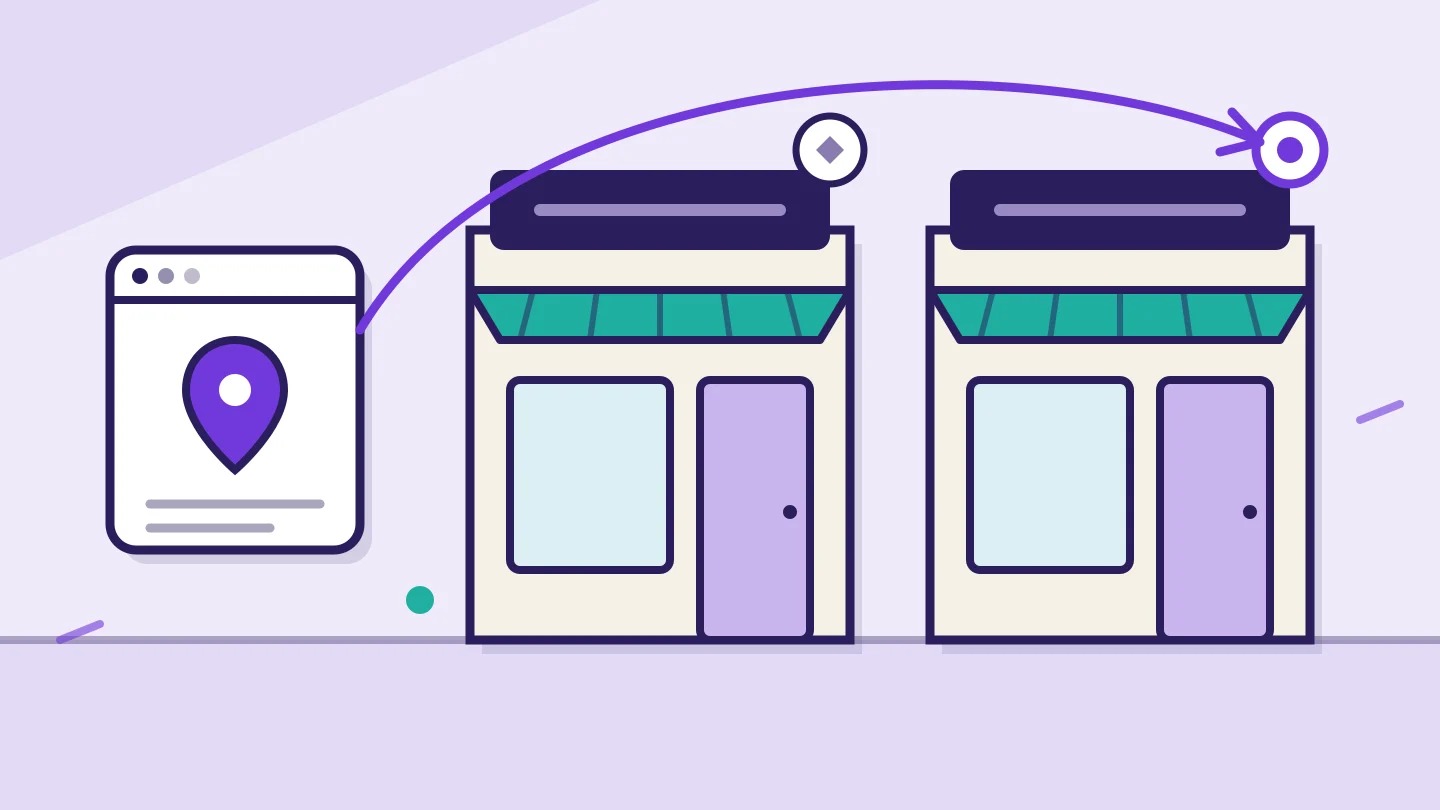
Two Facebook search results both say “Harbour Coffee.” One uses a familiar logo and shows more followers. The other might still be the right Page for the shop you’re writing about. Start with the Facebook link the business publishes on its own website. Open that link and check which Page it actually lands on. That checks the destination much better than copying a name from search. It also gives you a link you can hand to a colleague without asking them to guess which result you meant.
Know which link you’ve got
A Page name is how a business or organisation presents itself on Facebook. Similar names can refer to separate branches, independently run shops or a local Page and a national one. Similar logos do not settle the question.
A Page username, when present, can appear directly after facebook.com/ in the Page’s address. Meta’s Page reference documents that username-style address. The text in the address does not need to match the Page title word for word. If the Page opens without a readable username, save the direct link you can actually open rather than building a link from the title.[1]
A post or share link might take you to a video or photo, or to someone else’s post about the business. Open it and check the publisher. If the account that shared it isn’t the one you need, go back to the business’s website rather than assuming the post points to its Page.
A two-branch example
These names and address fragments are fictional. Imagine a local newsletter needs the Page for Harbour Coffee’s East Quay branch. Search returns two Pages with the same visible name. The café’s website has separate location pages, and each one links to a different Facebook destination.
| Candidate | What you can see | What to do |
|---|---|---|
| Harbour Coffee · /harbourcoffeeeastquay | Linked from the café’s East Quay location page. The visible location information agrees. | Save this direct Page link for the newsletter. |
| Harbour Coffee · /harbourcoffeewestpier | Linked from the café’s West Pier location page. | Keep it out of the East Quay report. It may still be an official Page for another branch. |
| A photo shared by a local listings account | The photo shows East Quay, but the publisher is the listings account. | Use the photo only as context. Don’t use its publisher link as the café’s Page. |
If the organisation’s website links only to a national Page, record that as the national Page. A city name or district label on a second candidate doesn’t establish that the branch runs it. If you still need the branch Page, mark it unconfirmed until the organisation provides a reliable link.
Keep future checks tied to the same Page
Save the direct link, the Page name as displayed, where you got the link, and the date you checked it. If an old bookmark later leads somewhere unexpected, go back to the source and check again. Don’t merge figures from the old and new links until you know you’re looking at the same Page.
Once you’ve got the right link, the Facebook Page Checker can show available public Page information. It cannot prove who owns or manages a Page, recover private Insights or tell you whether the Page belongs to a particular branch. If a count isn’t available, leave it blank rather than writing zero.[2]
Sources & further reading
Sources checked 24 Nov 2026. Examples and review checklists are editorial guidance.
- Graph API reference: Page Meta for Developers · Source checked 24 November 2026
- Facebook Page Checker BulkFollows Tools · Live page checked 24 November 2026
Another perspective
Facebook Page Transparency: Checks Before a Collaboration
Check a Facebook Page’s identity, history and advertising context before a collaboration, without mistaking public information for audience or sales evidence.
Facebook Followers vs Page Likes: What the Numbers Mean
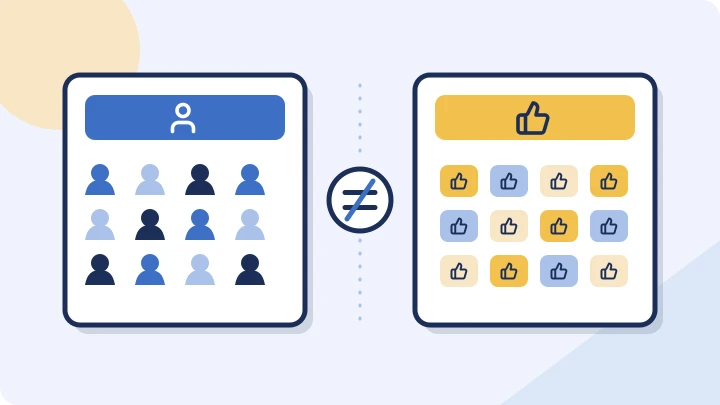
Separate followers, Page likes and post reactions, then learn what a changing total can—and cannot—tell you about a Facebook Page.
How to Read a Facebook Page’s Public Replies
A big comment count can hide a quiet conversation. Review what a Page actually says back without overstating what you can see.