
Facebook Page Transparency: Checks Before a Collaboration
A Page can look perfect for your campaign: the right topic, a familiar name and plenty of followers. Before agreeing to a sponsored post, check whether the Page’s history fits the proposal. Facebook Page Transparency can provide useful context, but it is not a background check or a promise that a placement will work.
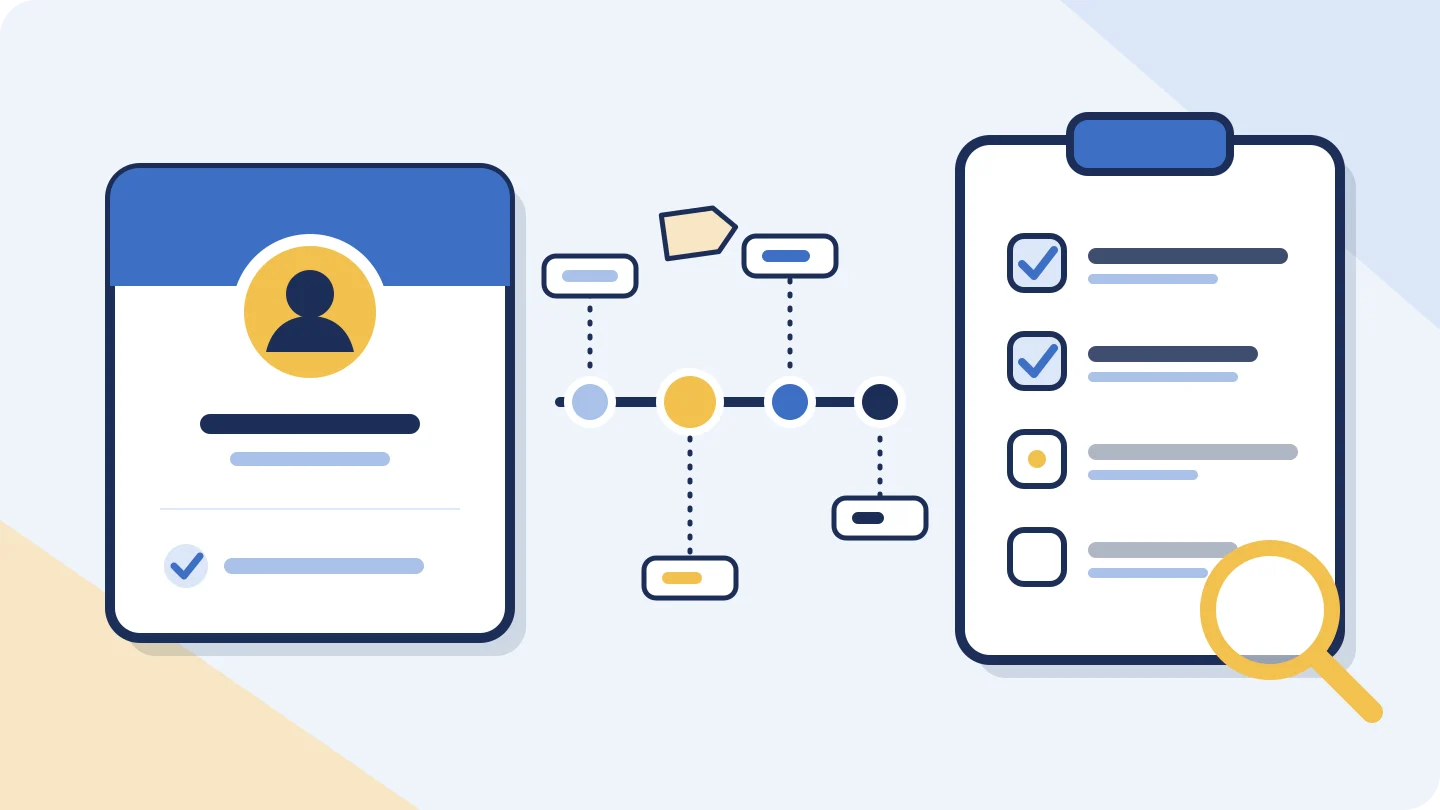
Start with the exact Page, not its display name
Ask your prospective partner for the Page URL where your content would appear. Open that link yourself and compare it with the Page linked from their website or proposal. Similar display names can belong to different Pages. Save the URL and review date so your notes refer to one identifiable account.
Look for Page Transparency in Facebook’s Page information. The interface and available fields can vary, so avoid relying on an old screenshot’s exact menu position. Meta’s announcements document creation dates and name-change information, but those announcements do not establish today’s navigation on every device. Record what you can actually see.[1]
Read the history against the proposed partnership
A creation date tells you when that Page began, not necessarily when the business launched. A publisher may have operated elsewhere first. Likewise, a name change can reflect a legitimate rebrand. The useful question is whether the history makes sense alongside the current content and the audience you want to reach.[1]
If a food-deals Page recently became a travel Page, ask when the editorial focus changed and request results from travel posts published after that change. An impressive result from an unrelated older post may tell you little about your proposed placement. You are checking relevance, not trying to prove that a rename was suspicious.
Keep manager location separate from audience location
Meta describes country information as context about the people managing a Page. That is different from where its followers or viewers live. A remotely managed Page could reach your target city; a locally managed Page could reach people elsewhere. Country information alone cannot settle audience fit.[2]
For a location-specific campaign, ask for a dated audience breakdown with the reporting period visible. Clarify whether it describes followers, people reached or video viewers. Those groups are not interchangeable. Request relevant totals alongside percentages: a large percentage of a small audience can still be a small potential reach.
Use advertising context without inventing performance
Meta introduced the Ad Library as a place to view active ads from Pages, alongside additional transparency information. If you inspect it, record the Page, country and other filters you used. Review the actual offers and destinations rather than simply counting creative variations.[3]
Worked example: a weekend-travel collaboration
Imagine that a fictional publisher, Weekend Routes, offers a sponsored post for a regional travel business. Every detail below is illustrative, not a finding about a real Page. The buyer records observations separately from the questions those observations raise.
| Illustrative observation | Useful next check |
|---|---|
| Page created in 2021; renamed from City Deals in 2025 | Ask when travel became the main topic and review posts after the change. |
| Managers shown in two countries | Request audience geography; do not use manager geography as a substitute. |
| A recent travel offer appears in advertising results | Clarify whether the quoted placement is organic, paid or both. |
| Three recent public posts are available to review | Ask for a broader, dated set of comparable placements before estimating typical performance. |
Suppose the publisher supplies results for six recent travel placements. Four were boosted and two were organic. Keep those groups separate when assessing an organic-only quote. Combining all six could make paid distribution look like ordinary unpaid reach. Ask for the reporting window and exact placement links, then compare the proposed deliverable with the relevant group.
Where the public checker helps
The BulkFollows Tools Facebook checker can help you review a public Page snapshot and up to three posts. That limited sample is a starting point, not a complete publishing history. It does not retrieve Page Transparency for this workflow; inspect those details directly on Facebook.
Open the Facebook Page checker
Keep unavailable counts marked as unavailable. Do not fill gaps with zero, infer historical follower growth from one snapshot, or treat public reactions as verified customer conversions. Your final notes should distinguish what you observed publicly from what the publisher supplied privately.
Finish with a decision you can explain
- Save the exact Page URL, review date and relevant observations.
- Resolve material questions about history, audience and distribution before agreeing to terms.
- Write down the deliverable, publication timing, reporting period and any paid amplification separately.
- If essential evidence remains unavailable, wait or choose another placement rather than guessing.
A useful review ends with a clear reason to proceed or pause. “The audience and deliverable fit our campaign” is stronger than “the Page looks old enough.” Transparency makes the conversation more specific; it cannot replace that conversation.
Sources & further reading
Sources checked 17 Nov 2026. Examples and review checklists are editorial guidance.
- A New Level of Transparency for Ads and Pages Meta · 28 June 2018
- Making Pages and Accounts More Transparent Meta · 22 April 2020
- A Better Way to Learn About Ads on Facebook Meta · 28 March 2019
Another perspective
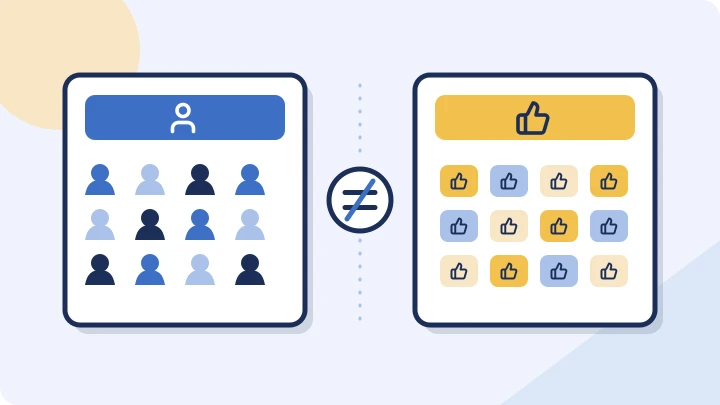
Facebook Followers vs Page Likes: What the Numbers Mean
Separate followers, Page likes and post reactions, then learn what a changing total can—and cannot—tell you about a Facebook Page.
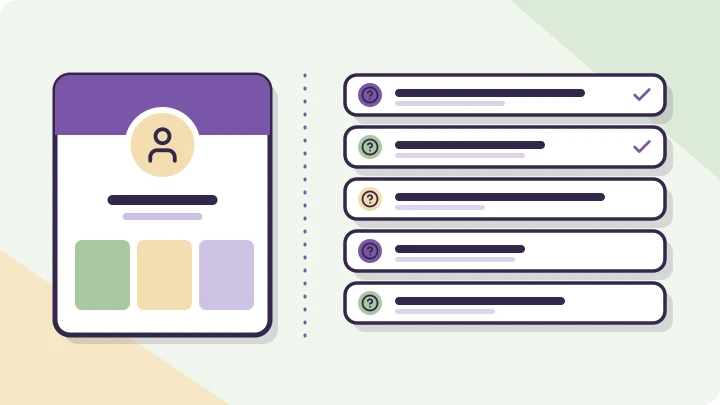
Before you book an Instagram creator, ask these five questions
Go from an appealing profile to a useful conversation about audience fit, creative work and what happens after posting.
Can a public profile snapshot show follower growth?
A current total is not a timeline. Learn what two observations can show, and what even a calculated increase cannot prove.